
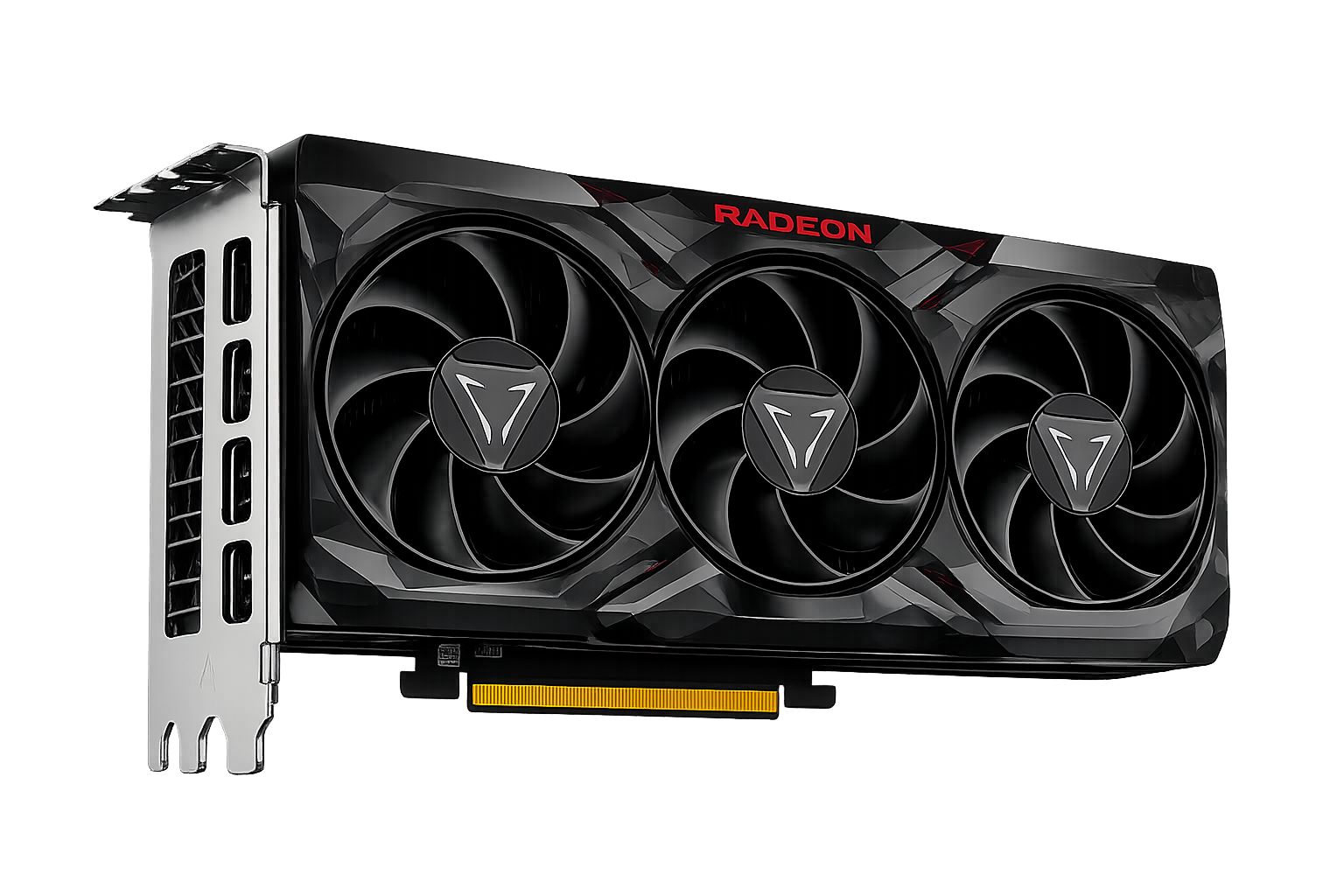

Radeon RX 560 4GBVSRadeon RX Vega 64 / Liquid Cooling
Performance, specifications and real-world gaming comparison
♜ WINNERRadeon RX 560 4GB+1%Better overall performance
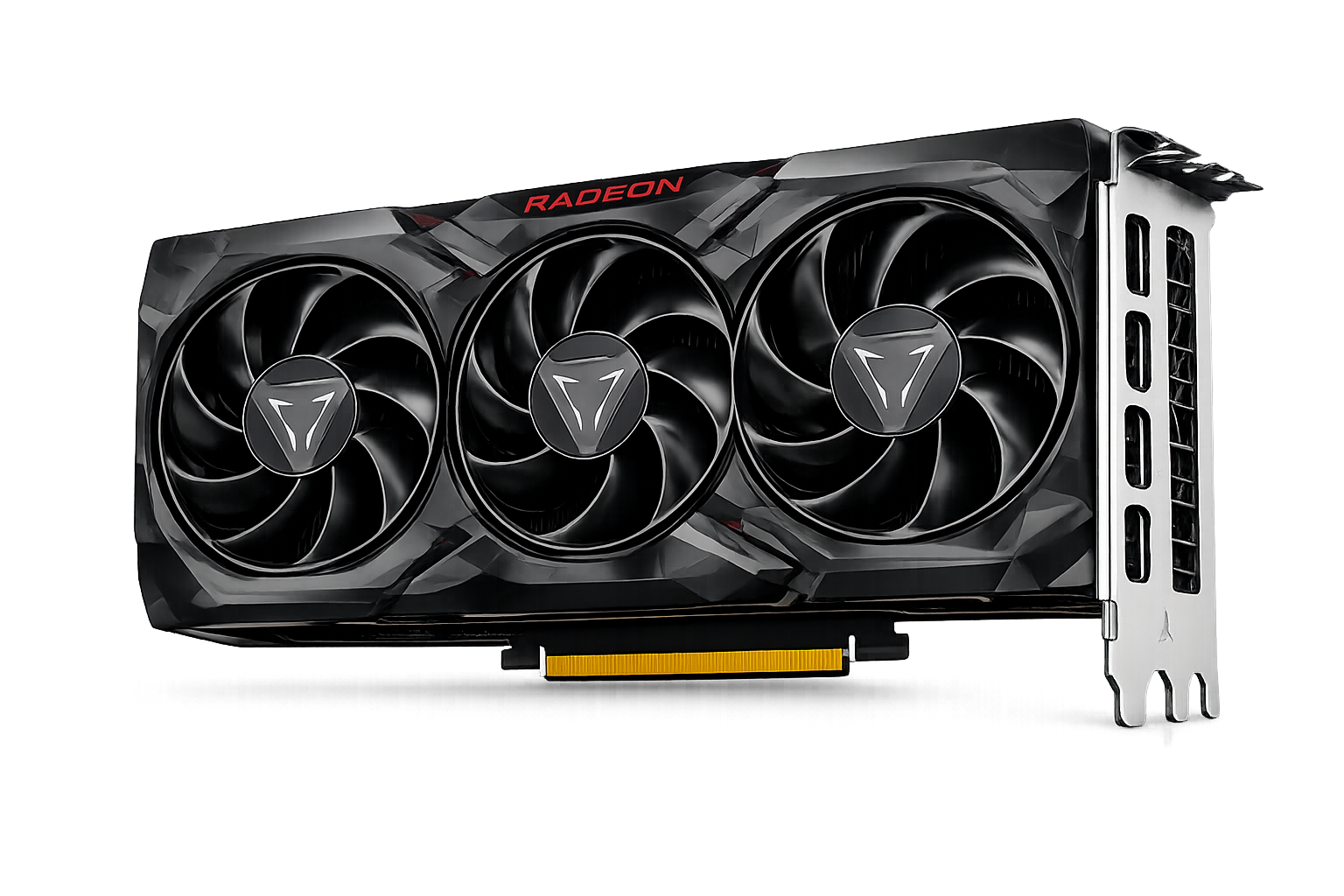
AMD
RX 560 4GB
VSWINNERRX 560 4GB0%H2H overall index
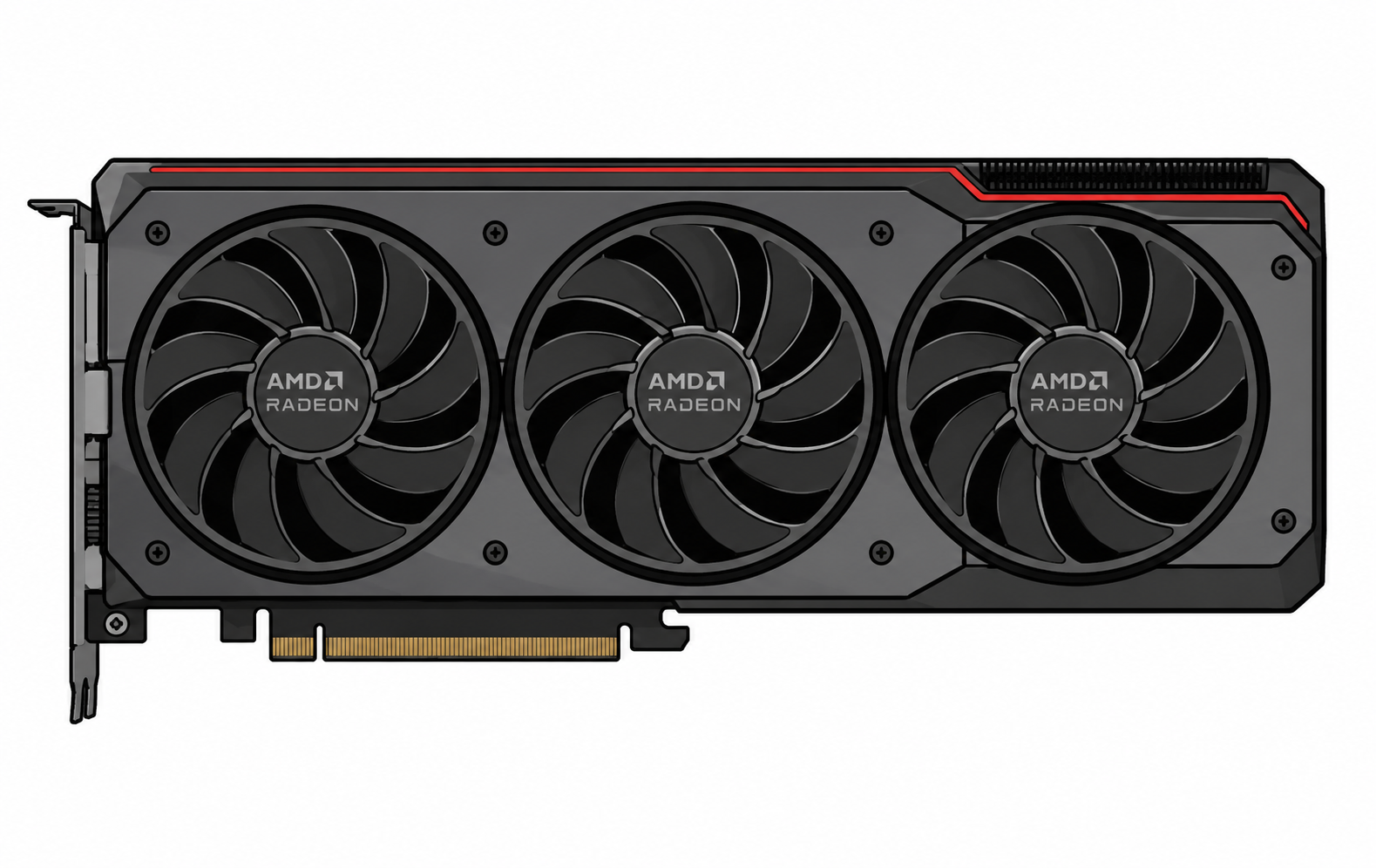
AMD
RX Vega 64 / Liquid Cooling
Leistung2946
Effizienz10044
Price / Performance100100
Data confidence7575
Fixed-scale H2H model. Missing metrics are omitted instead of estimated from the overall score.
SUMMARY PROFILE
Verified-metrics radar
Axes with missing data are hidden; every value uses a fixed scale.
AMDAMDPerformance
Efficiency
Price / performance
Memory capacity
2946
10044
100100
5668
COMMUNITY · VERIFIED DATA
Open streamer setups→Hardware used by streamers
Real public setups linked to each device.
AMDRX 560 4GB0No verified public setup yet
AMDRX Vega 64 / Liquid Cooling0No verified public setup yet
VERGLEICHSERGEBNIS
The devices received the same overall score
RX 560 4GB leads in combined gaming performance. RX 560 4GB offers the better price per frame, while the final choice depends on the required features, memory, and games.
Performance is nearly identical
RX 560 4GB costs less
CATALOG POSITION
Full ranking →Graphics card ranking
Positions 135–140of 723
COMPARISON VERDICT
Which should you choose?
Two practical conclusions based on community votes and gaming value.
Radeon RX 560 4GB
0 LikesHead to Head visitors currently choose this model more often.
Radeon RX 560 4GB
100/100 · Price $179The choice is based on the price-to-performance index and launch price.
GESAMTWERTUNG
Übersicht
Scores are calculated from specifications, performance, and efficiency.
GamesDirectX, OpenCL, and Vulkan performance
29
46Better
Professional applications3D modeling, video editing, and rendering
24
40Better
AI and machine learningMachine-learning and AI capabilities
25
37Better
Power efficiencyPower consumption across workloads
100Better
44
Head to Head scoreOverall catalog score
56
56
VOLLSTÄNDIGER VERGLEICH
Spezifikationen
The better numeric value is highlighted in green, taking the metric direction into account.
Clock speed1175 - 1275 MHz1406 - 1677 MHzBetter
Base clock1175 MHz1406 MHzBetter
Boost clock1275 MHz1677 MHzBetter
VRAM4 GB GDDR58 GB HBM2Better
Memory typeGDDR5BetterHBM2
VRAM capacity4 GB8 GBBetter
Speichertakt7 GHzBetter1,89 GHz
Memory bus128 bit2048 bitBetter
Memory bandwidth112 GB/s484 GB/sBetter
InterfacePCIe 3x8PCIe 3x16
Power connector6 pin8+8 pinBetter
Power consumption75 WBetter345 W
TDP75 WBetter345 W
Process node14 nm14 nm
Release date20172017
Architecture——
Recommended PSU——
Length——
Thickness——
HDMI——
DisplayPort——
USB Type-C——
Maximum displays——
Maximum resolution——
DirectX——
Vulkan——
OpenGL——
Upscaling——
Compute API——
TFLOPS2.61113.74Better
Launch price——
Transistor count——
Die size——
Shader units / cores——
Memory cache——
Gaming-FPS
Loading test-rig results…
HEAD TO HEAD · CALCULATED INDEX
H2H workload indices
Comparable internal indices on a fixed 0–100 scale.
H2H Raster IndexH2H Index / 100294645%
H2H Compute IndexH2H Index / 100355137%
H2H Rendering IndexH2H Index / 100365236%
H2H Memory Workload IndexH2H Index / 100566819%
H2H Efficiency IndexH2H Index / 1001004478%
These are versioned H2H calculated indices derived from normalized catalog data. They are not results from 3DMark, Geekbench, Cinebench, PassMark, Blender, or another third-party benchmark.
HEAD TO HEAD · CALCULATED INDEX
H2H AI workload indices
Estimated workload profiles based on available performance and memory data.
H2H Image Generation IndexH2H Index / 100415631%
H2H ML Training IndexH2H Index / 100405532%
H2H Inference IndexH2H Index / 100365236%
H2H Local LLM IndexH2H Index / 100445827%
H2H Computer Vision IndexH2H Index / 100375336%
These are versioned H2H calculated indices derived from normalized catalog data. They are not results from 3DMark, Geekbench, Cinebench, PassMark, Blender, or another third-party benchmark.
Grundinformationen
Architecture——
Process node14 nm14 nm
Release date20172017
Launch price——
Detaillierte Spezifikationen
Transistor count——
Die size——
Shader units / cores——
Base clock1175 MHz1406 MHzBesser
Boost clock1275 MHz1677 MHzBesser
Formfaktor und Kompatibilität
InterfacePCIe 3x8PCIe 3x16
Length——
Thickness——
Recommended PSU——
Power connector6 pin8+8 pinBesser
VRAM-Kapazität und -Typ
VRAM4 GB GDDR58 GB HBM2Besser
Memory typeGDDR5BesserHBM2
Memory bus128 bit2048 bitBesser
Memory bandwidth112 GB/s484 GB/sBesser
Memory cache——
Anschlüsse und Ausgänge
HDMI——
DisplayPort——
USB Type-C——
Maximum displays——
Maximum resolution——
API- und SDK-Kompatibilität
DirectX——
Vulkan——
OpenGL——
Upscaling——
Compute API——
HEAD TO HEAD · DISCOVER
6Weitere Vergleiche
 205NVIDIA
Bewertungen und Fragen
AI EXPLAIN · HEAD TO HEAD
Explain this comparison
Beyond percentages: causes, relevant specifications, and practical impact behind every chart.
What AI will explain
Overall score, radar, FPS, synthetic tests, specifications, efficiency, and value.
REAL CONFIGURATIONS
Owner experiences
Real builds, results, and community feedback.
♢Moderator reviewed☆Helpful to the community🏅Expert badges
Häufige Fragen zum Vergleich
Short recommendations based on performance, memory, power consumption, and intended use.
01Which is better for gaming: RX 560 4GB or RX Vega 64 / Liquid Cooling?+
RX 560 4GB has the higher overall gaming score, while RX 560 4GB offers the better price-to-performance ratio. The final choice depends on resolution and settings.
02Which is better for streaming?+
RX 560 4GB is the stronger streaming choice thanks to performance, hardware encoding, and application support. Check AV1, H.264, and HEVC support before buying.
03Which is better for Blender?+
RX 560 4GB is generally the better option for Blender and GPU rendering. Rendering-engine support and available VRAM also matter.
04Which is better for video editing?+
RX 560 4GB offers more overall performance, while RX Vega 64 / Liquid Cooling offers more memory headroom. Codecs, hardware encoders, and editor optimization can change the result.
05Which is better for neural networks and AI?+
RX Vega 64 / Liquid Cooling is the more practical option for local AI workloads. VRAM capacity, compute libraries, and framework compatibility are especially important.
06Which is better for 1080p?+
RX 560 4GB is the most rational 1080p choice, where high frame rates and cost per frame matter most.
07Which is better for 1440p?+
RX 560 4GB leads in combined 1440p performance. RX Vega 64 / Liquid Cooling can be preferable for heavy textures and games with high VRAM usage.
08Which is better for 4K?+
RX 560 4GB is preferable for 4K, where total performance, memory bandwidth, and VRAM capacity have the greatest impact.
09Which is better for a quiet PC?+
RX 560 4GB is easier to use in a quiet build because of its lower estimated power and thermal load. Actual noise depends on the specific cooler.
10Which is better without replacing the power supply?+
RX 560 4GB is the safer candidate because its stated power consumption is lower. Verify PSU wattage, age, and power connectors.
11Is it worth upgrading from the previous generation?+
Consider upgrading to RX 560 4GB if your current device no longer delivers the required FPS, memory capacity, or feature support. A gain below 15–20% is usually worth waiting for a price cut.